When you click on links to various merchants on this site and make a purchase, this can result in this site earning a commission. Affiliate programs and affiliations include, but are not limited to, the eBay Partner Network.
2nd gen headlight switch and dash bezel conversion
So in a previous thread it was mentioned converting the older pull style headlight switch to the newer turn style switch. And it was also discussed about there not being a replacement dash bezel available for the early ‘98 trucks.
I have procured a newer style switch and pigtail along with a Dorman 98.5-02 dash bezel. With both of these parts and a little rewiring both can be made to work just fine in the early ‘98 trucks.
The newer dash bezel is a good fit in the 12v power port and airbag switch locations. There are 5 formed (melted) mounting locations on the back of the original bezel that secure the 12v power port to the bezel. These will need to be drilled out to swap the power port over to the replacement bezel. Once swapped over you can either affix some threaded bolts to the back of the new bezel with proper adhesive and bolt the port to the bezel or there are also a couple locating tabs that can be used to secure the power port to the new bezel by using press-fit star washers or you can use a soldering iron and melt the locating tabs down to hold the power port in place in conjunction with using abs plastic glue
Now to the headlight switch....I’ve found multiple threads of ppl asking if it’s possible to fit the newer turn style switch in place of the pull style switch. And the answer is YES. Mounting (screw holes) tabs are in the same spot for either switch. However, if your plastic dash frame is cracked out you’ll have to get creative on how to reattach it.
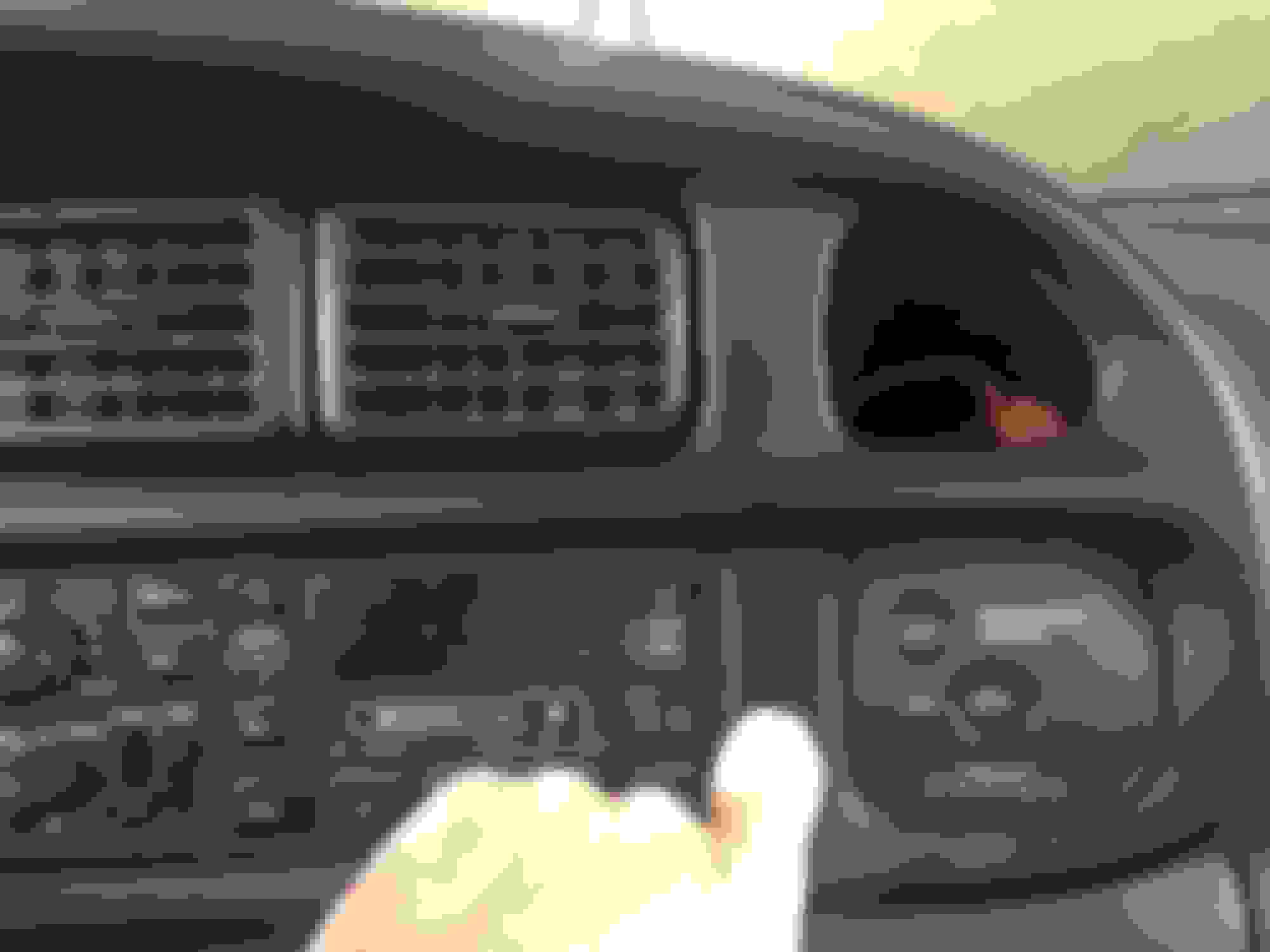
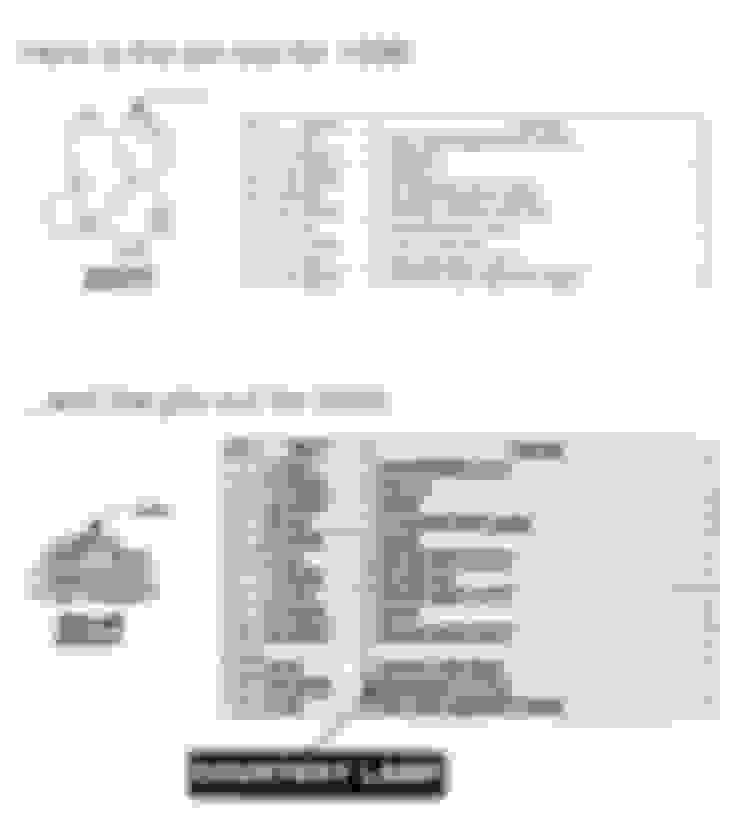
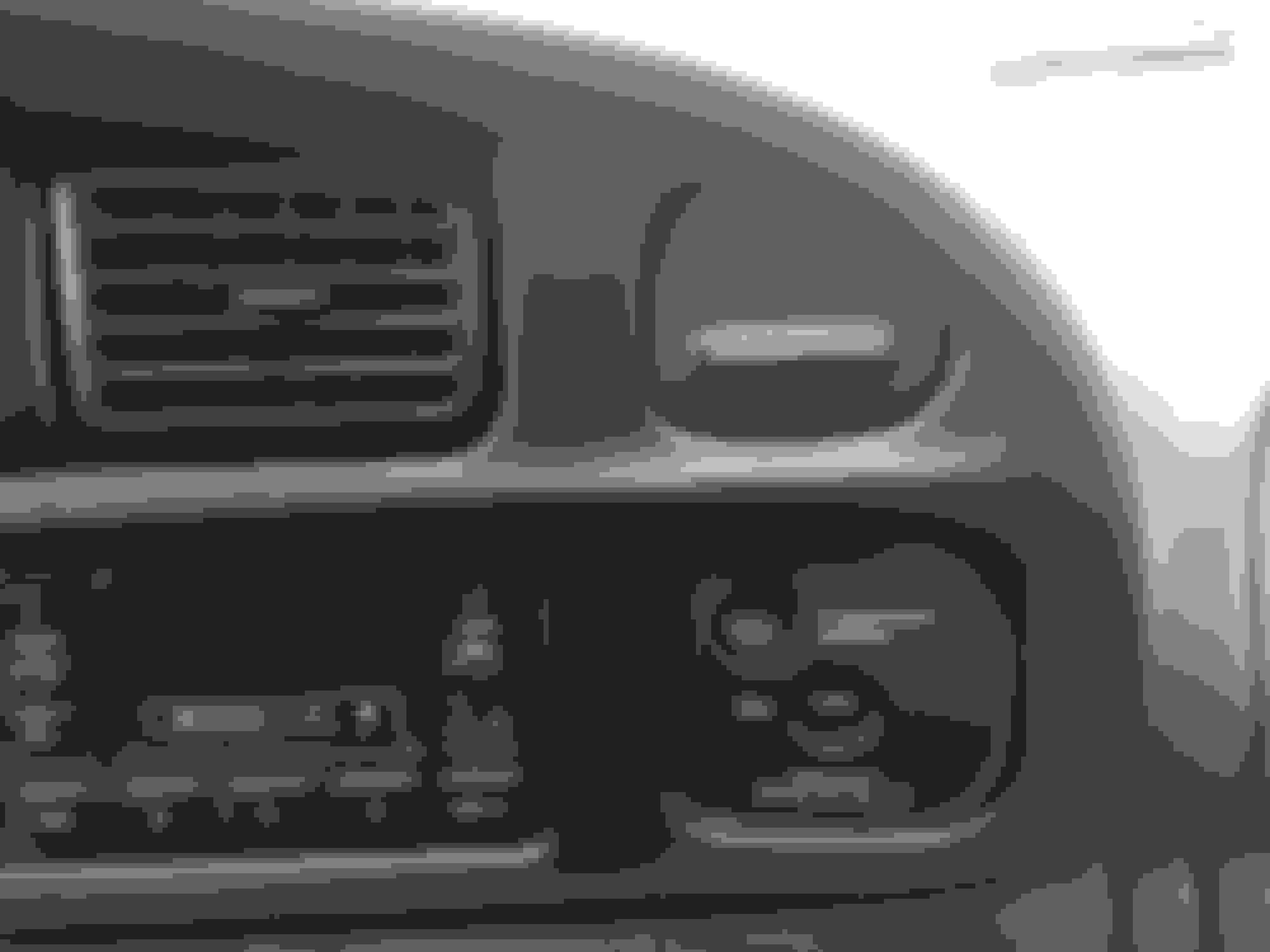
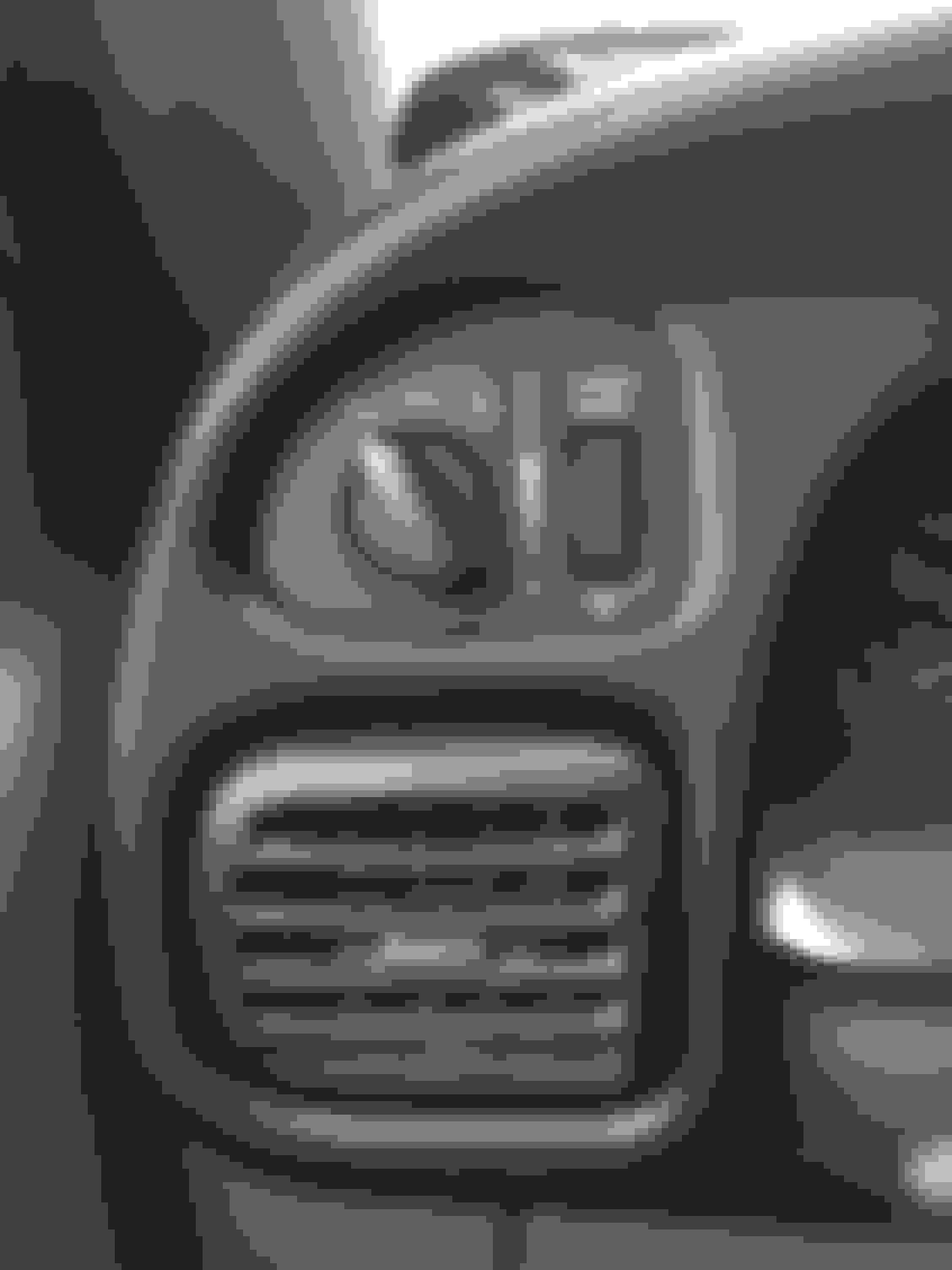
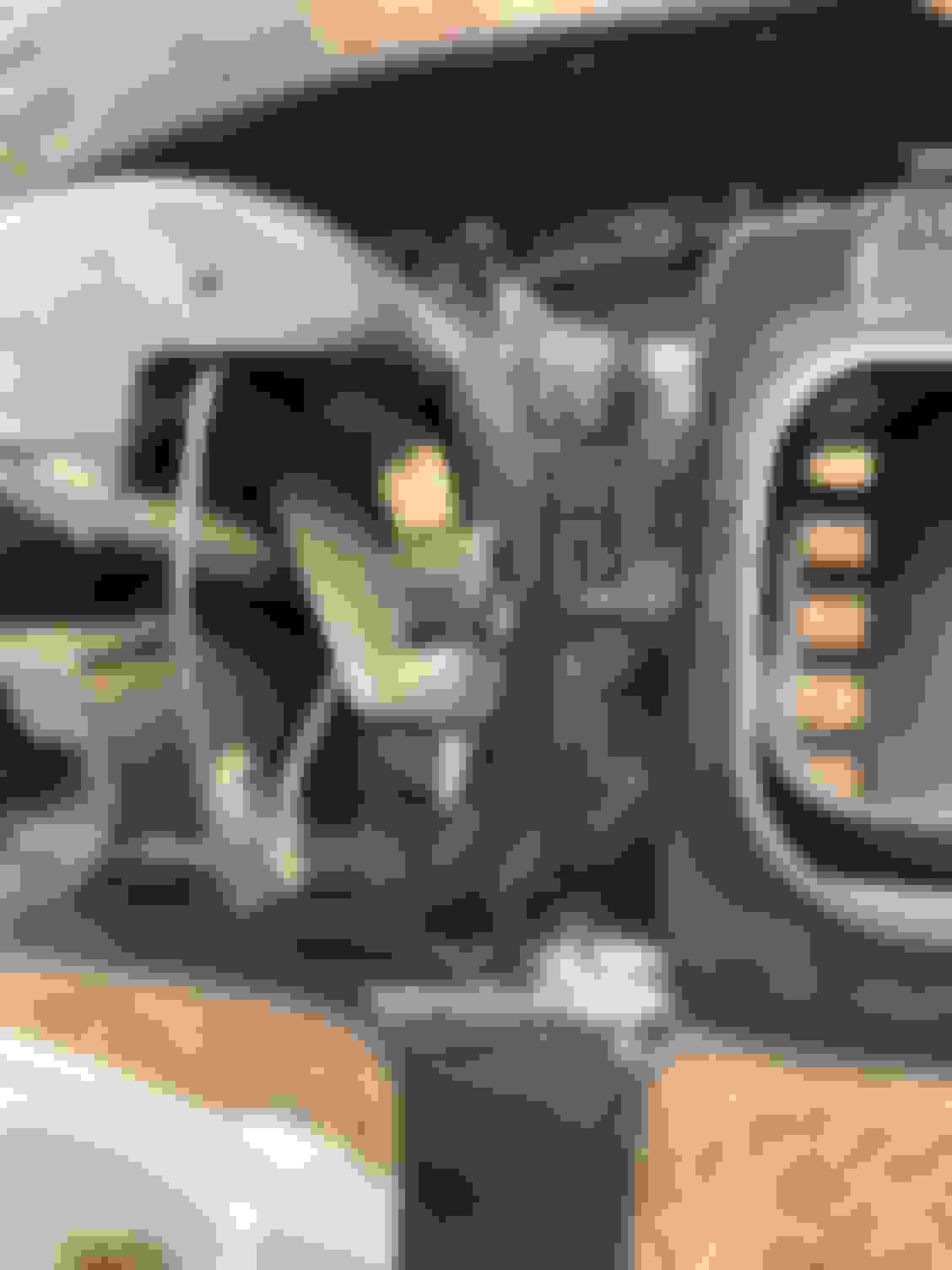
I’ve included pictures of the backside of the power port to show the mounting points and locating tabs along with headlight switch installed and also the right hand side of the bezel that houses the 12v powerport and air bag switch (my power port has not been installed yet) so ppl can see the fit. I’m also including the wiring diagram for the connections that need to be made from the existing ‘98 harness to the newer switch.
*NOTE- depending on what year model the newer switch is, some of the wires on the pigtail may be different colors than listed but the switches are numbered and the corresponding numbers will match up.
Back of 12v power port w/ mounting points Newer switch installed Fitment of bezel around power port and airbag switch Wiring diagram for conversion Headlight switch pin-outs
Hope this helps some folks that have had this same dilemma also.
This is enormously helpful. Exactly what I needed in response to the thread I recently initiated on this subject - thank-you!
Question on the headlights switch retrofit: did you cut off the old plastic connector on the wiring harness and splice on a "new" connector pigtail? Or was it something more elegant?
That is what I did and used a lineman’s splice and then soldered and heat shrink tubed the connections. I had hoped to find some of the same type of female spade terminals that are in the connector that came with the newer headlight switch but couldn’t find em.
OK, I agree with your desire to maintain a clean look and avoid splicing/soldering. Did you modify the terminals on the truck harness or did you modify the terminals on the new switch? Just trying to follow your description.
On a different note, if anyone has stripped mounting holes in their plastic dash base, a heli-coil (or similar brand) kit designed to repair M6X1.0 threads works great. After drilling a new hole and installing the insert, you discard the factory screws and use M6X1.0X10 bolts. Very clean and secure. I chose this size because the drill bit is the closest you can get to the original hole size.
I finally got around to reinstalling the 12 volt power port onto the aftermarket bezel. I used black abs plastic glue and a soldering iron to melt down the 2 locating tabs to help hold the power port in place. Overall I am extremely pleased with the LMC dash, the headlight switch upgrade, and the Dorman dash bezel
Wiring diagram for conversion Headlight switch pin-outs
Both switches have a second two wire plug. I am not clear if those are a direct connection or need to be wire only as above or in addition too?
1yellow to 12 yellow
2bblack orange to 9 black and orange
I am also not clear about 10 white to 13 white? Is it just jumping or connect them to only each other.
Otherwise, I appreciate all the information here. Thank you.
My truck is a 1998.5 24v Diesel with the pull style headlight switch. I am the original owner. I am switching to the newer turn switch to fit the new bezel better. The truck seems to be a mix of 1998, 1998.5 and 1999. So much fun!
The two white wires on the new plug connect directly to each other to create a loop. As for the black/orange wires and the yellow wires, they connect directly to each other…nothing special. Here are a couple pics of how I melted down the locating tabs on the new bezel and used abs glue on part of it
Second connector on the 2000 harness. Where do they lead?
Second connector on the 98 harness. Where do they lead?
First and foremost, I would like to thank you for creating this thread. I had the issue where my older pull style switch was causing my lights to turn off at night. I ended up going to my local LKQ and sourcing the newer style switch as well as the harness. I followed you instructions, even though one of them.(U tan to 4 tan skinny) my color was not tan on the newer harness to the connector. It was black with with an orange stripe. regardless, I made the connection and it seems to be without issue.
My question is the extra two wire harness from the newer light control, the colors, black with yellow stripe and black with orange stripe. where do I connect these to? i’ll add images for clarification. this is showing the two wire leads from the second connector in question how I have it in the bezel currently
Sorry for the late reply. Just now saw this. I do not have that second plug on the switch and pigtail that I put in my truck. Looking at the difference between my switch and yours I’m assuming the second plug on your switch is for fog lights which my switch doesn’t have the option for and my truck didn’t have either.
But I think on the switch itself, on "Connector 2", the ground would come in on Pin 1 (Blk/Org) and out on Pin 2 (Brn/Yel) to the fog lamps. You might try googling this. I found several write ups on Dodge Forum detailing how to wire in fog lights to the factory switch IF you want fog lights. If not, then just unplug that 2-wire pigtail and leave it out
“how to wire up fog lights tp factory 2001 dodge switch”
Sorry for the late reply. Just now saw this. I do not have that second plug on the switch and pigtail that I put in my truck. Looking at the difference between my switch and yours I’m assuming the second plug on your switch is for fog lights which my switch doesn’t have the option for and my truck didn’t have either.
But I think on the switch itself, on "Connector 2", the ground would come in on Pin 1 (Blk/Org) and out on Pin 2 (Brn/Yel) to the fog lamps. You might try googling this. I found several write ups on Dodge Forum detailing how to wire in fog lights to the factory switch IF you want fog lights. If not, then just unplug that 2-wire pigtail and leave it out
“how to wire up fog lights tp factory 2001 dodge switch”
Good Morning!
First post!
I have a bit of an issue…
my (98 12v) had the 99-02 switch and bezel already swapped when I purchased it. The headlights, parking lights, and taillights all work.
However, the Cluster does not… nor did the dome light if the dimmer switch was rotated all the way up.
I took the dash and switch out to take a look and noticed that pin 10 and 13 were taped off and not jumped together.
I connected them and now the dimmer switch turns on the done light as it should! The cluster lights also came on!
So i turned the headlights back off went to the garage to grab a connecter and electrical tape to finish, and once done now the cluster doesnt come on again…. (Dome light still works now..)
Any ideas?? Let me know if my explanation makes sense…
also, just want to add that the headlight switch itself does light up. The climate control doesnt…
Last edited by 9812VTEX; Jul 16, 2024 at 05:58 PM.
Reason: Added info
Hmmm. I would check all the connections for correct mating from truck harness to newer plug. If the connections are made with the cheap crimp butt connections would suggest either soldering or getting some better quality connectors