Suggestions, Comments and Site Questions Post your comments and suggestions here. We always want to improve the site.

Gallery

Thread Tools
 
Search this Thread
 
Old Oct 22, 2007 | 01:44 PM
  #1  
tbarbee1's Avatar
Thread Starter
Registered User
15 Year Member
Liked
Loved
 
Joined: Apr 2007
Posts: 1,049
Likes: 2
From: Skiatook OK currently Pecos TX
Big pics from PC

Hey guys I post pics here often but I dont know how to post the big pics I see you guys posting I only know how to post the thumbnails that you have to click to enlarge. Is there any way to post the big pics from my PC with out having a photo bucket account "which I have" but seems like a big mess to load them there and then load them here?
Reply
Old Oct 22, 2007 | 01:50 PM
  #2  
Lary Ellis (Top)'s Avatar
Admin Team Leader
 
Joined: May 2002
Posts: 15,514
Likes: 207
Put them in your gallery here then just copy the UBB code under them and paste in your post
Reply
Old Oct 23, 2007 | 09:42 AM
  #3  
tbarbee1's Avatar
Thread Starter
Registered User
15 Year Member
Liked
Loved
 
Joined: Apr 2007
Posts: 1,049
Likes: 2
From: Skiatook OK currently Pecos TX
Ok how do I start my gallery and thanks for the help Top
Reply
Old Oct 23, 2007 | 02:21 PM
  #4  
tbarbee1's Avatar
Thread Starter
Registered User
15 Year Member
Liked
Loved
 
Joined: Apr 2007
Posts: 1,049
Likes: 2
From: Skiatook OK currently Pecos TX
Gallery

I have posted this in the site questions and comments but theres not much traffic over there can someone tell me how to create a gallery so that I can post big pics.
Reply
Old Oct 23, 2007 | 03:09 PM
  #5  
madhat's Avatar
Administrator/Jarhead
 
Joined: Jun 2006
Posts: 14,965
Likes: 19
From: Jacksonville, NC
Have you tried to upload them in the regular gallery? Clicked on member photos, then upload photos? Or are they too big for that?
Reply
Old Oct 23, 2007 | 03:22 PM
  #6  
tbarbee1's Avatar
Thread Starter
Registered User
15 Year Member
Liked
Loved
 
Joined: Apr 2007
Posts: 1,049
Likes: 2
From: Skiatook OK currently Pecos TX
No I havent tried anything Hat I download pics from my PC now but when I do it by managing attachments then uploading the pics they come through in the little size jpegs you have to click on to enlarge and I want them to be the full size ones I see alot of guys posting.
Reply
Old Oct 23, 2007 | 03:26 PM
  #7  
t-boe's Avatar
Registered User
 
Joined: Nov 2006
Posts: 2,864
Likes: 1
From: Rock Springs, WY
I see your problem now. You need to use a hosting website like photobucket or imageshack. Then you type in the url of the photo in the window that pops up when you hit the "insert image" button. That's how they do it.
Reply

Trending Topics

Old Oct 23, 2007 | 03:28 PM
  #8  
madhat's Avatar
Administrator/Jarhead
 
Joined: Jun 2006
Posts: 14,965
Likes: 19
From: Jacksonville, NC
The way that I do that is... I upload them into the gallery, then once they are approved, I copy the link that is under the picture, and paste it in the post.


Like that? It is the one that is in the second box... looks like this...

[img]https://www.dieseltruckresource.com/pics/data/500/5500_.jpg

It says BB code... LMK if you need help...
Reply
Old Oct 23, 2007 | 06:27 PM
  #9  
phox_mulder's Avatar
Administrator
 
Joined: May 2002
Posts: 6,522
Likes: 4
From: Sandy, Utah
Just click on "Members Photos" link on the main site logo at the top of every page, it should be evident once you get there.

"Upload Photos" on the far right.


phox
Reply
Old Oct 24, 2007 | 07:03 AM
  #10  
tbarbee1's Avatar
Thread Starter
Registered User
15 Year Member
Liked
Loved
 
Joined: Apr 2007
Posts: 1,049
Likes: 2
From: Skiatook OK currently Pecos TX
Thanks for the help guys. I'll give it a try and see what I come up with.
Reply
Old Oct 24, 2007 | 08:40 AM
  #11  
tbarbee1's Avatar
Thread Starter
Registered User
15 Year Member
Liked
Loved
 
Joined: Apr 2007
Posts: 1,049
Likes: 2
From: Skiatook OK currently Pecos TX


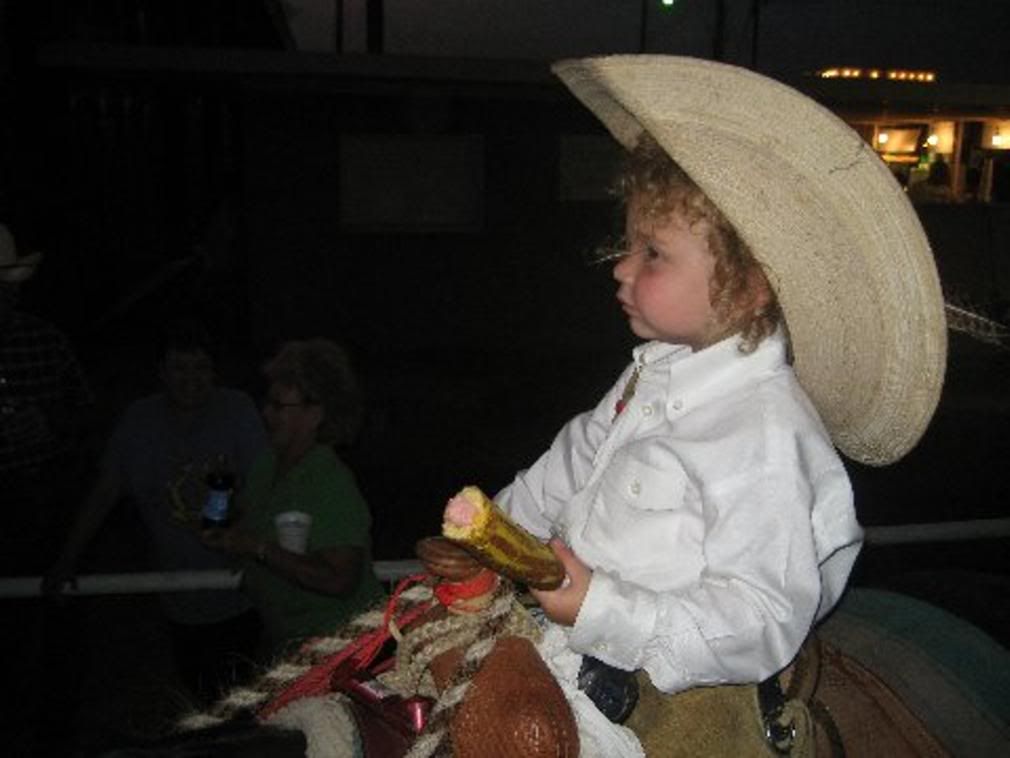
Lets see if this works.
Reply
Old Oct 24, 2007 | 08:41 AM
  #12  
tbarbee1's Avatar
Thread Starter
Registered User
15 Year Member
Liked
Loved
 
Joined: Apr 2007
Posts: 1,049
Likes: 2
From: Skiatook OK currently Pecos TX
Whoo Hoo I finally got it thenks guys I spent all morning loading my pics on photo bucket I hope they are not all this grainy.
Reply
Old Oct 24, 2007 | 08:42 AM
  #13  
tbarbee1's Avatar
Thread Starter
Registered User
15 Year Member
Liked
Loved
 
Joined: Apr 2007
Posts: 1,049
Likes: 2
From: Skiatook OK currently Pecos TX
THanks PHOX
Reply
Old Oct 24, 2007 | 08:46 AM
  #14  
jthorpe's Avatar
DTR Founder
20 Year Member
Liked
Loved
Community Favorite
 
Joined: May 2002
Posts: 4,930
Likes: 14
From: Raleigh, NC
Originally Posted by tbarbee1
I have posted this in the site questions and comments but theres not much traffic over there can someone tell me how to create a gallery so that I can post big pics.
...and your thread was moved and combined with the other one in the appropriate section because it doesn't belong in the "other" forum.
Reply
Old Oct 24, 2007 | 08:53 AM
  #15  
tbarbee1's Avatar
Thread Starter
Registered User
15 Year Member
Liked
Loved
 
Joined: Apr 2007
Posts: 1,049
Likes: 2
From: Skiatook OK currently Pecos TX
Sorry Jack, I just wanted an answer and got it in the other forum I didnt mean to do anything wrong.
Reply


All times are GMT -5. The time now is 08:12 AM.